
Banners
View the range of Banner layout options:
Banner layout: Text bottom
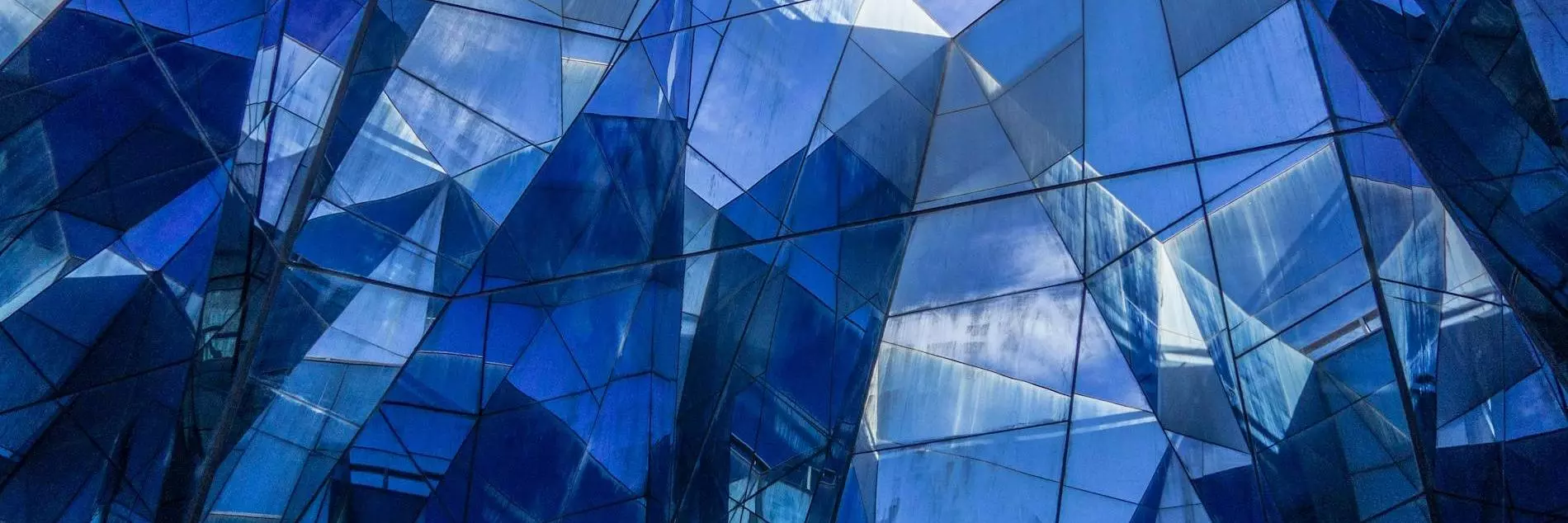
How to achieve the look:
| Action | Configuration options |
|---|---|
| Add a section | 100% column layout |
| Add a banner component | Text bottom |
| Add an image | |
| Add a heading | Heading 1; text alignment centre |
| Add text | Default Paragraph text |
| Add a button | Button text, link, icon (chevron-right), icon position (after) |
Banner layout - Text middle
How to achieve the look:
| Action | Configuration options |
|---|---|
| Add a section | 100% column layout |
| Add a banner component | Text middle |
| Add an image | |
| Add a heading | Heading 1; text alignment centre |
| Add text | Default Paragraph text |
| Add a button | Button text, link, icon (chevron-right), icon position (after) |
Banner layout: Text middle - no image
How to achieve the look:
| Action | Configuration options |
|---|---|
| Add a section | 100% column layout |
| Add a banner component | Text middle - no image |
| Add a heading | Heading 1; text alignment centre |
| Add text | Default Paragraph text |
| Add a button | Button text, link, icon (chevron-right), icon position (after) |
Banner layout: 50/50 Image right
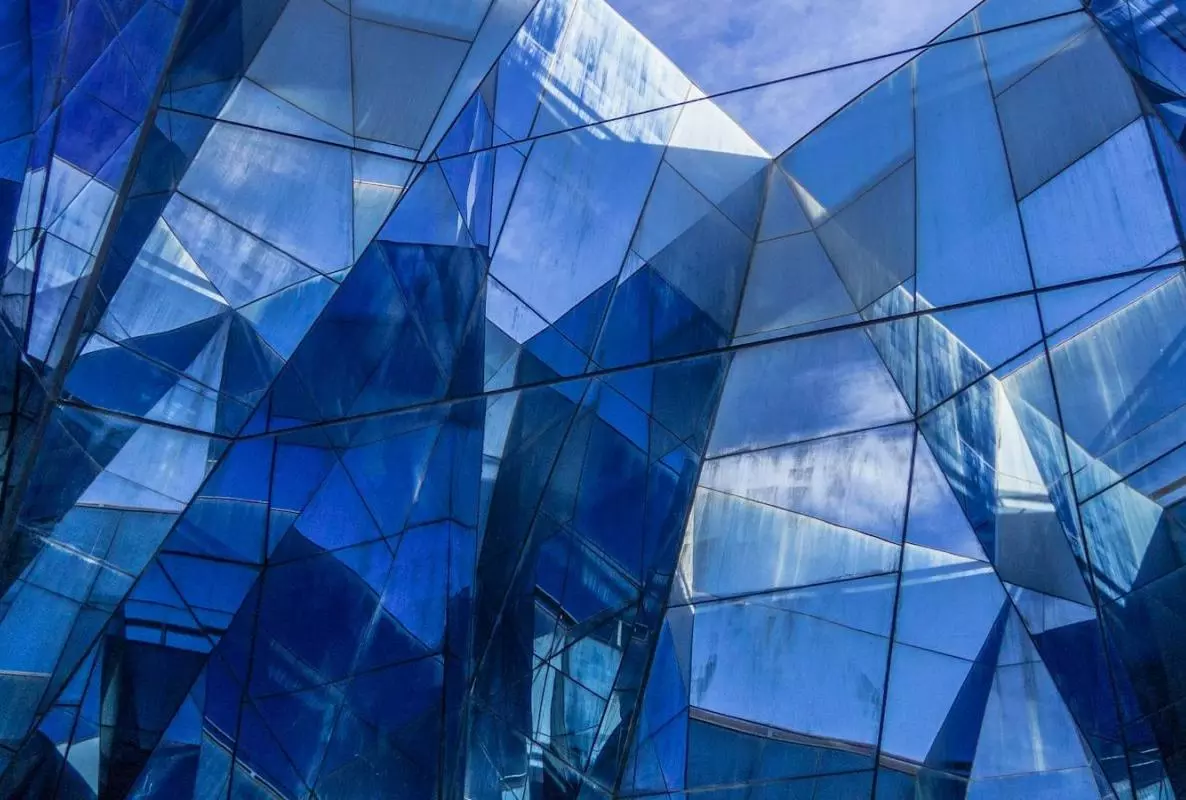
How to achieve the look:
| Action | Configuration options |
|---|---|
| Add a section | 100% column layout |
| Add a banner component | 50/50 Image right |
| Add an image | |
| Add a heading | Heading 1; text alignment left |
| Add text | Default Paragraph text |
| Add a button | Button text, link, icon (chevron-right), icon position (after) |
Banner layout: 50/50 Image left
How to achieve the look:
| Action | Configuration options |
|---|---|
| Add a section | 100% column layout |
| Add a banner component | 50/50 Image left |
| Add an image | |
| Add a heading | Heading 1; text alignment left |
| Add text | Default Paragraph text |
| Add a button | Button text, link, icon (chevron-right), icon position (after) |
Banner layout: 33/66 Image right
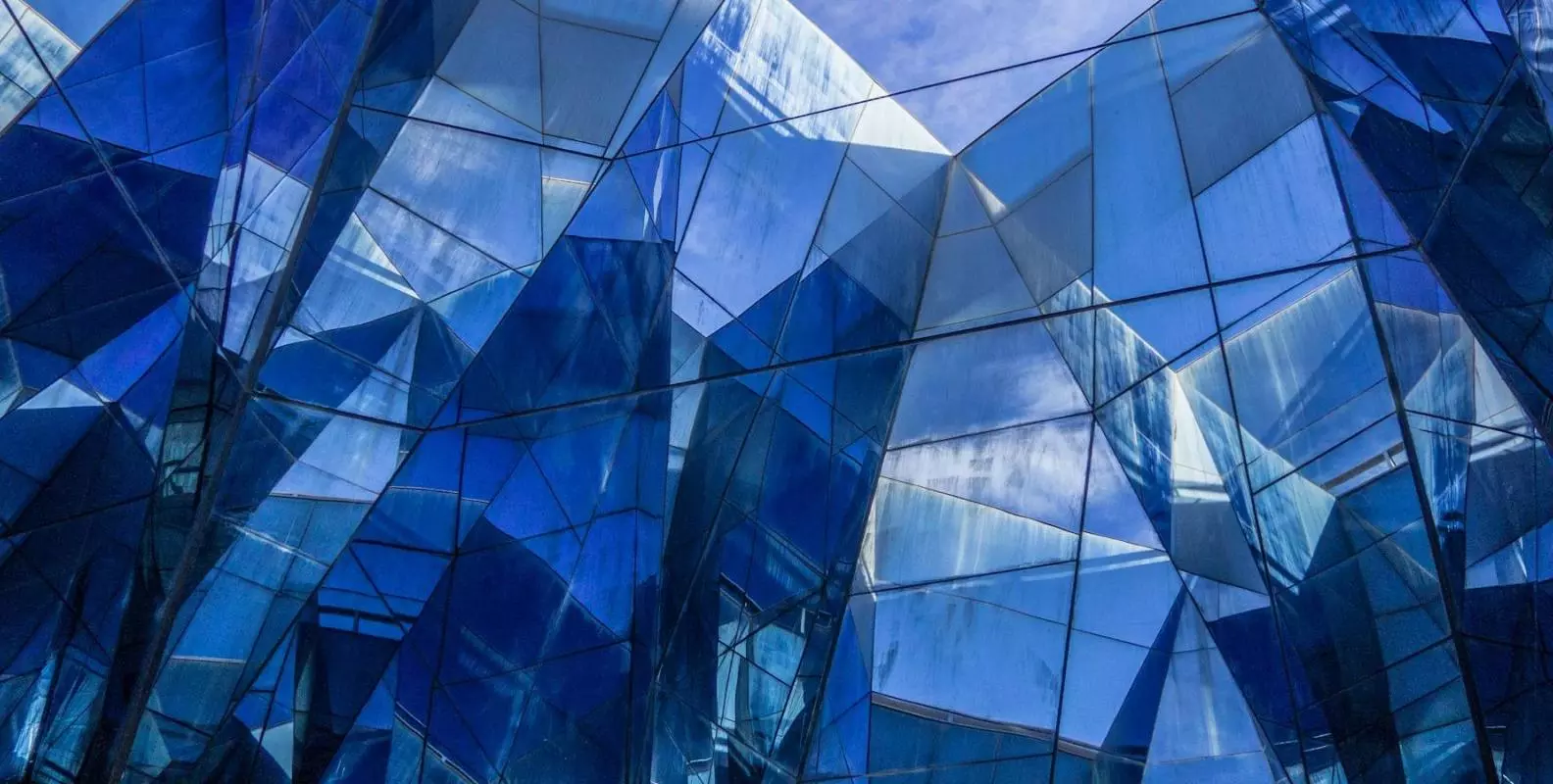
How to achieve the look:
| Action | Configuration options |
|---|---|
| Add a section | 100% column layout |
| Add a banner component | 33/66 Image right |
| Add an image | |
| Add a heading | Heading 1; text alignment left |
| Add text | Default Paragraph text |
| Add a button | Button text, link, icon (chevron-right), icon position (after) |
Banner layout: 66/33 Image left
How to achieve the look:
| Action | Configuration options |
|---|---|
| Add a section | 100% column layout |
| Add a banner component | 66/33 Image left |
| Add an image | |
| Add a heading | Heading 1; text alignment left |
| Add text | Default Paragraph text |
| Add a button | Button text, link, icon (chevron-right), icon position (after) |
Image credit: Photo by Héctor J Rivas on Unsplash.