
Footer
There are a few footer layouts options available:
Please note:
- Footers can be edited in Settings > Headers and Footers.
- Colours are managed via Appearance > Theme and are a site-wide setting. There is no alternative method for changing footer colours or selecting a different colour for an alternative footer.
Visit Fresco Help to learn how to create and edit a footer.
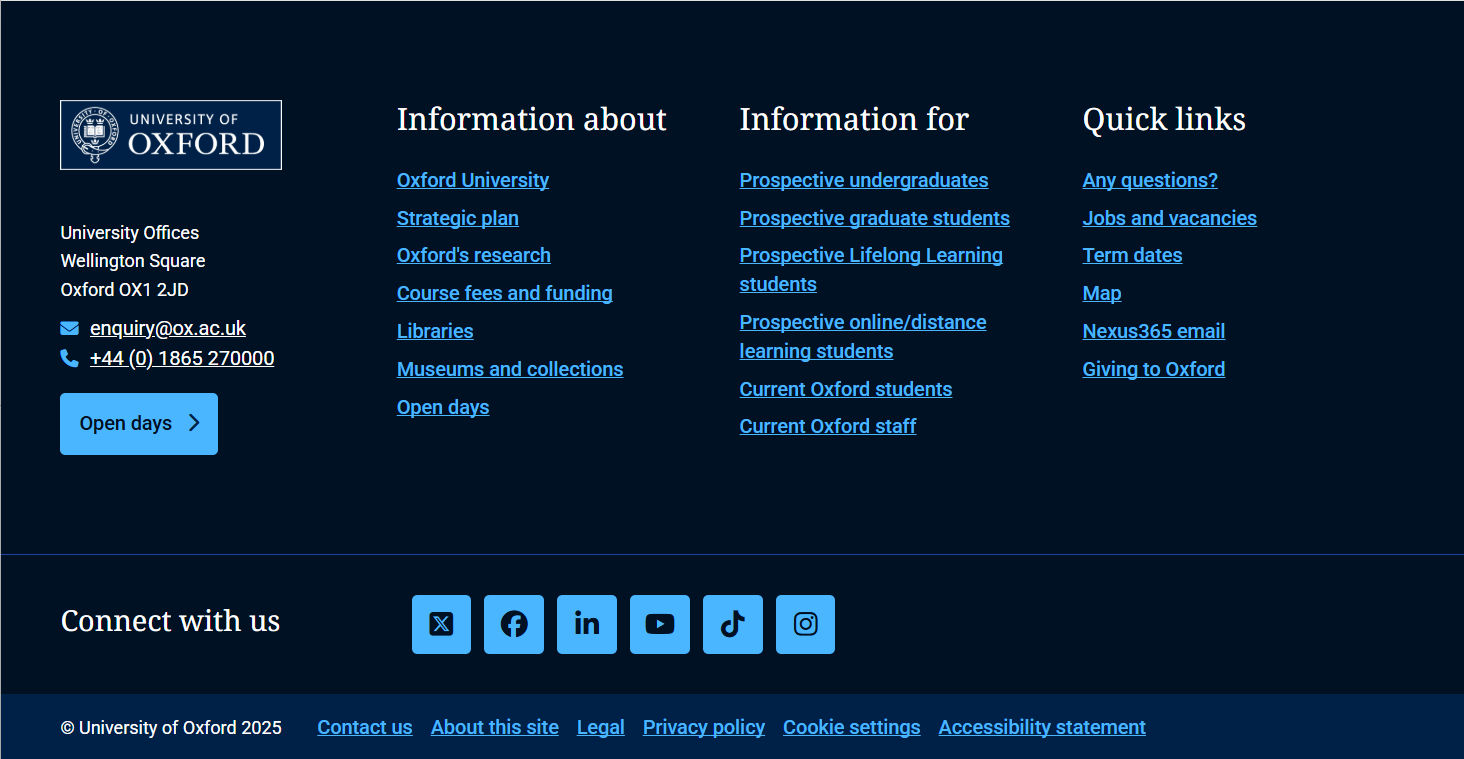
Footer with affiliate logos
Affiliate logos for affiliate organisations, partners or funders can also be placed in the site footer in place of the social icons.
[example footer coming soon]
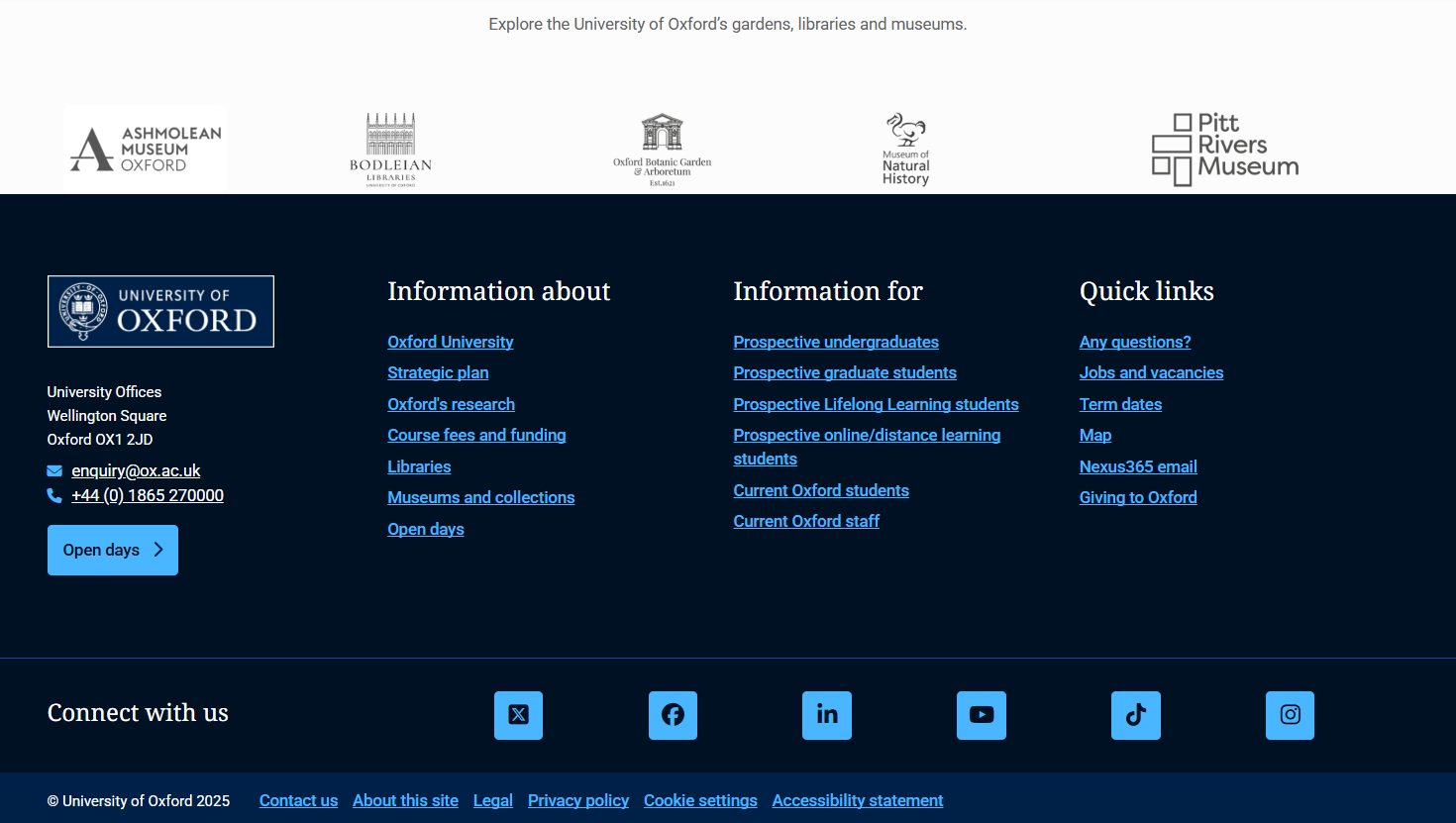
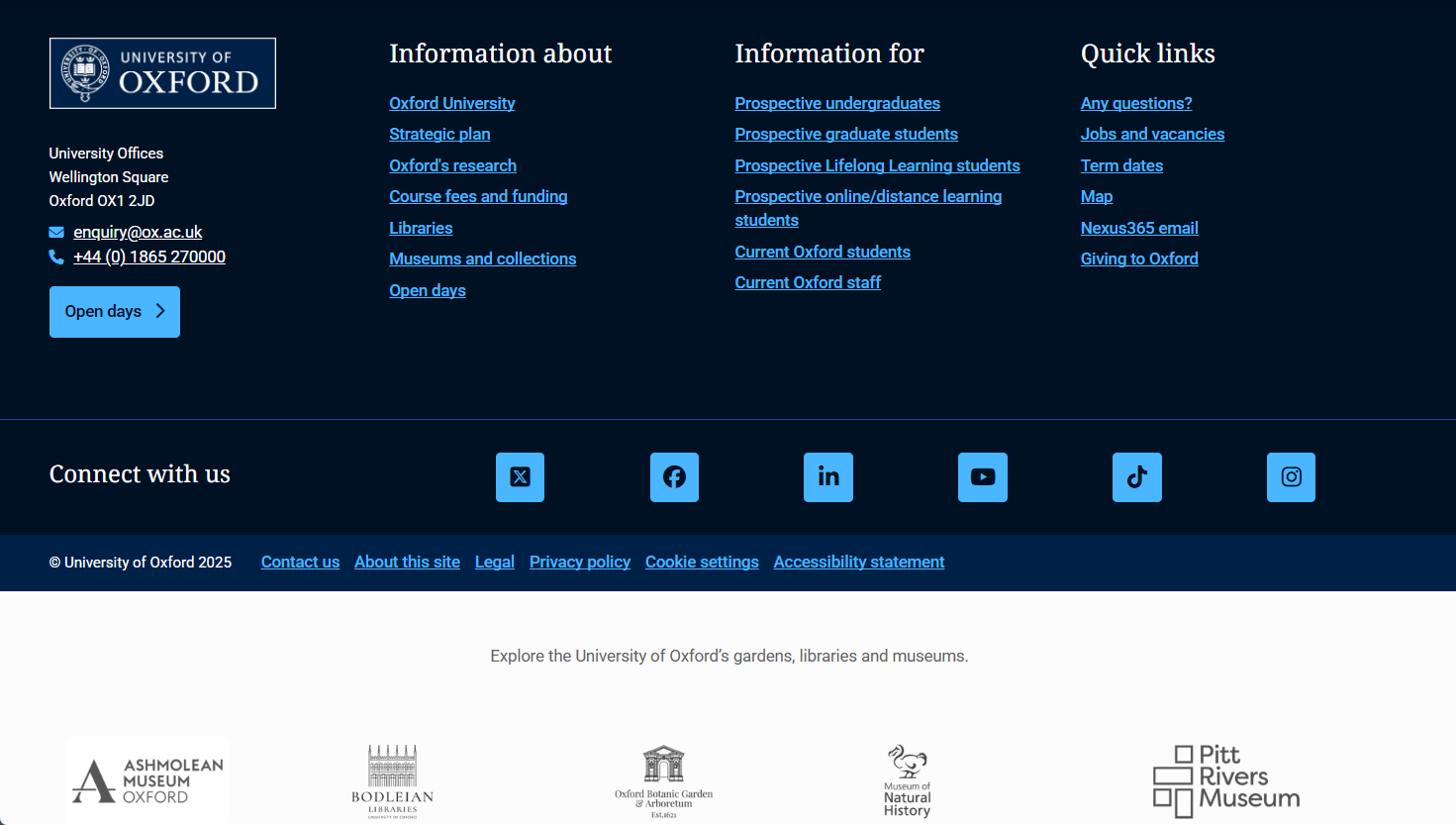
Footer with social icons and affiliate logos
If social media icons and affiliate logos are both required, affiliate logos could be added just above or below the footer component using a Tile Grid. These will then appear with the footer on every page.
Visit Fresco Help to learn how to create and edit a footer.
Footer with social icons